Game Design
Game Feel: The Small Details That Make Actions Matter
Connect input, motion, sound, and feedback so every action is clear, consistent, and satisfying.
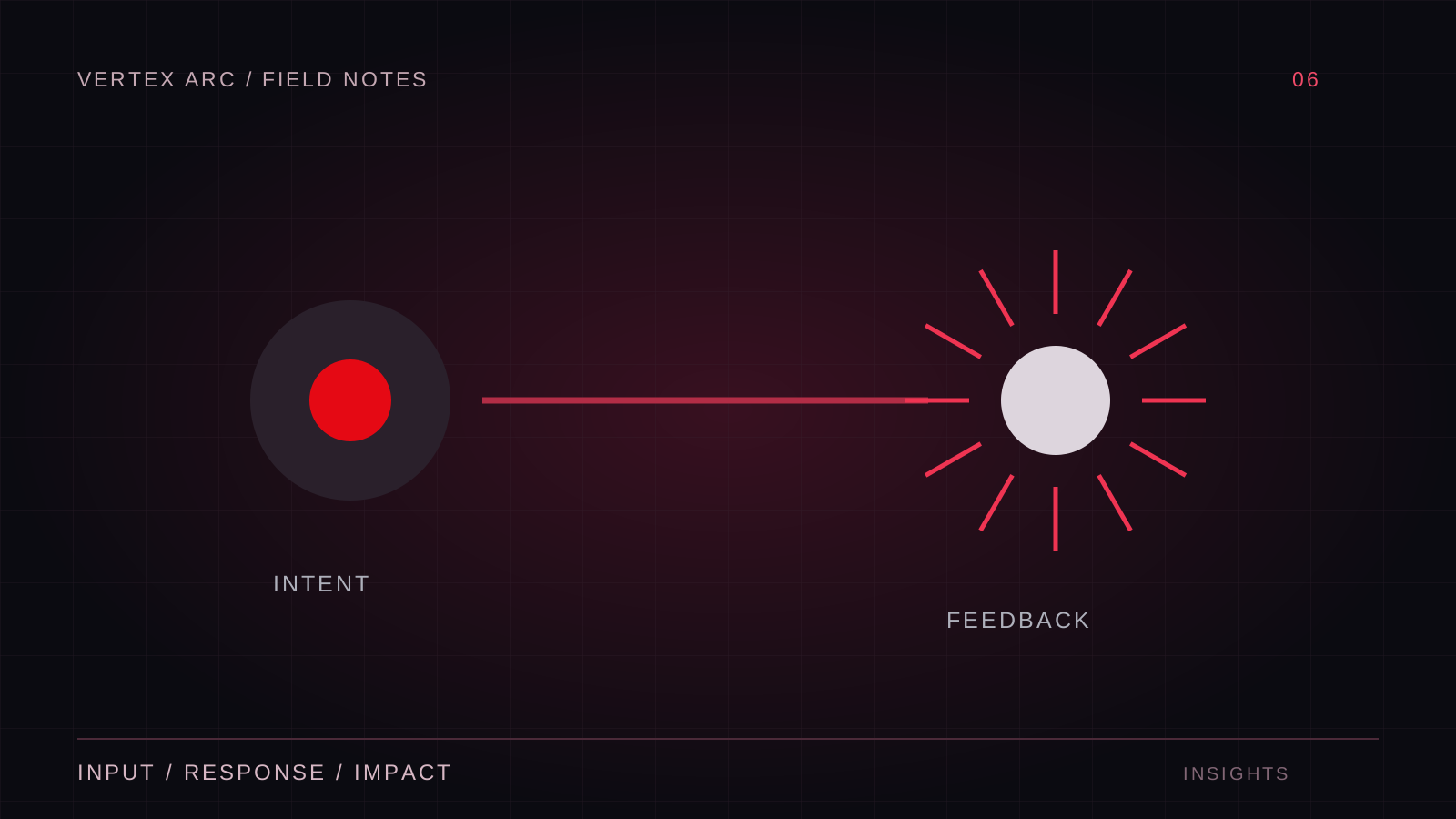
Game feel is the moment-to-moment relationship between input and response. It includes the way a character starts moving, the sound of a successful hit, the pause before a heavy attack connects, and the camera's reaction to impact. These details work together. Adding more effects does not automatically improve them.
Start by defining what an action should communicate. A light strike might feel quick and precise; a heavy strike might communicate commitment and weight. The design needs to make those differences readable before adding elaborate presentation. If both actions behave identically, different particles alone will not create a meaningful choice.
Build a reliable response first
Input should reach the appropriate system consistently. Check timing, state transitions, and interruption rules before tuning visual effects. A beautiful attack that occasionally ignores a press will feel unreliable. Record input and state changes in a debug view so you can distinguish a deliberate lockout from a bug.
Decide what the player can cancel and when. A recovery period may be essential to combat balance, but the character should communicate that recovery. Animation, sound, and a clear transition back to control help players understand when another action is possible. Invisible rules are harder to learn than demanding rules.
Layer feedback by purpose
Use different channels for different information. Motion describes the action; an impact sound confirms contact; a brief visual response identifies the target; interface feedback can explain damage or resource use. If all channels communicate only intensity, the player may still be unsure whether the action succeeded.
Tune the sequence, not just the amplitude
Anticipation, contact, and recovery create a rhythm. A short anticipation can make a heavy action legible, while an overlong one makes it feel disconnected from input. Test the sequence at normal speed and in slow motion. Ask whether each part contributes to clarity or simply delays the next decision.
Use restraint with camera effects
Camera shake, zoom, and hit stop can emphasize important moments, but they also affect comfort and control. Provide settings to reduce disruptive motion. Separate cosmetic camera movement from aiming logic where possible, and test whether an effect makes targets harder to track during repeated actions.
Hit stop should have a defined scope. Freezing an animation, freezing local effects, and freezing the entire simulation are different choices. In multiplayer, a global pause is generally not an appropriate way to present a local impact. Treat timing effects as part of the game's architecture rather than a final decorative layer.
Compare changes in a controlled scene
Create a repeatable interaction with a few selectable feedback profiles. Turn layers off and on independently. If the action only feels clear when every effect is at maximum strength, investigate whether the core animation or response timing is weak.
- Can the player identify success with sound muted?
- Can the action be understood without camera shake?
- Do repeated effects become tiring during a longer session?
- Does a failed action have a distinct, useful response?
- Can the player tell when control has returned?
Make feel serve the game
A quiet exploration game and a fast arena game need different rhythms. Borrowing a dramatic effect without its surrounding design can make the experience inconsistent. Write a small set of feel principles—such as immediate direction changes or deliberate heavy attacks—and use them to judge new features.
The strongest game feel makes the rules tangible. Players can predict the response, recognize the outcome, and improve through practice. Polish those relationships first. The effects that remain will have a clear purpose, and the game will feel more coherent even when the presentation is restrained.