Performance
Game Performance Optimization: Measure Before You Change
A practical workflow for finding bottlenecks, protecting visual intent, and preventing performance regressions.
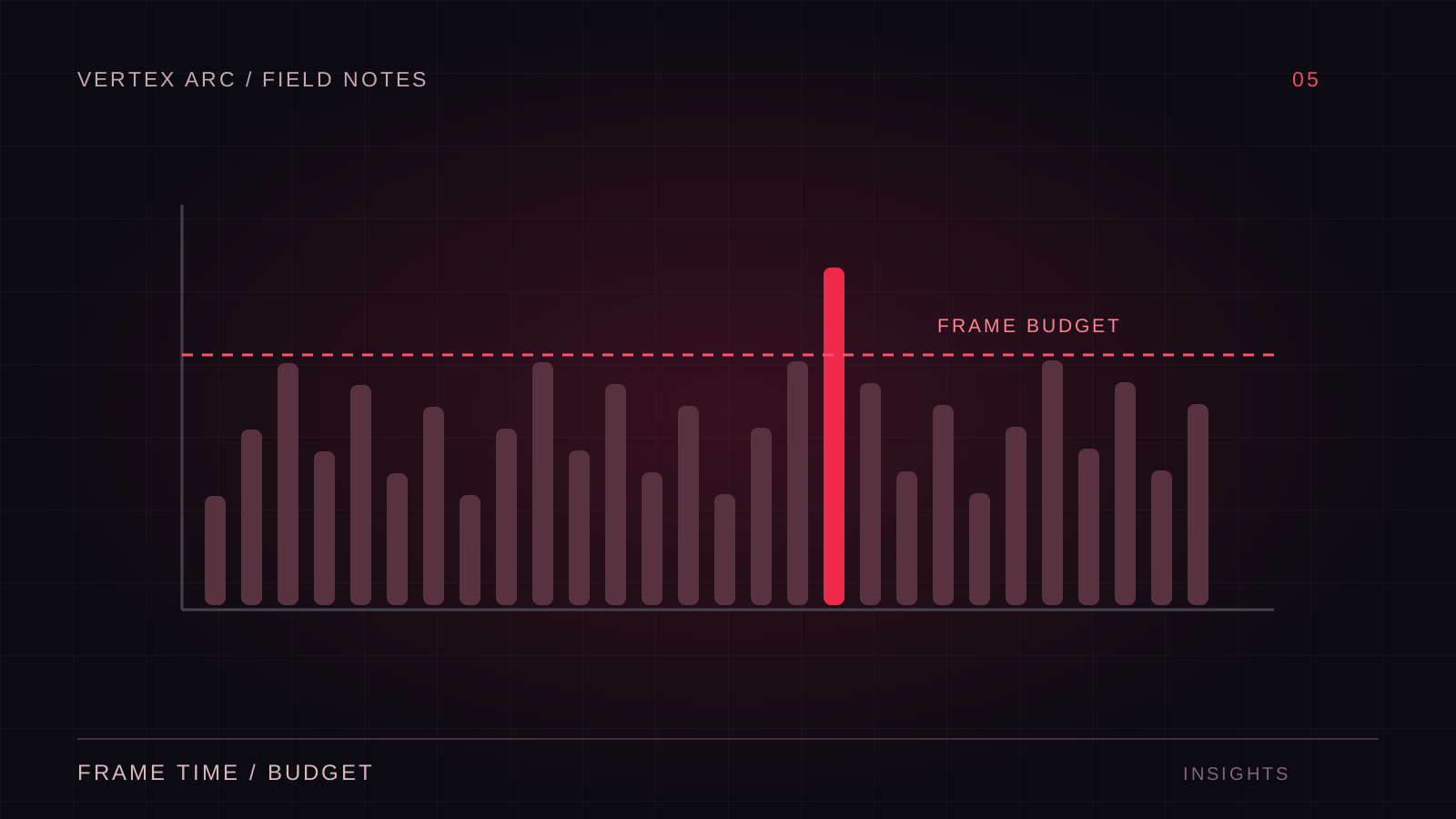
Optimization begins with a question about a specific build on a specific device. “The game is slow” is a symptom, not a diagnosis. A crowded encounter, a camera turn, and a first-time effect may each expose a different bottleneck. Treat them separately so a change that helps one case does not disguise another.
Vertex Arc's stated emphasis on performance means keeping platform constraints visible throughout development. The approach described here is a repeatable engineering workflow, not a claim about an unverified project result. It starts with measurement and ends with evidence that the experience improved without breaking the game.
Establish a representative baseline
Choose target hardware and a repeatable route through the game. Record the build identifier, quality settings, resolution, scene state, and relevant device conditions. Profile a built player where possible: the editor introduces work that a released game may not perform, and a development build can itself add overhead.
Use frame time as well as average frame rate. A 60-frame-per-second target leaves roughly 16.7 milliseconds per frame, but a good average can conceal unpleasant spikes. Examine how long slow frames take and when they occur. Separate first-use costs from sustained costs so you know whether to improve initialization, content preparation, or ongoing simulation.
Identify the limiting resource
Look for evidence of CPU, GPU, memory, or loading pressure. If lowering resolution substantially helps, rendering may be involved, but that experiment is a clue rather than a complete diagnosis. Check profiler data and understand synchronization points. A thread waiting on another system can appear busy without being the source of the work.
Memory problems deserve their own investigation. A game may run smoothly until a scene transition temporarily holds old and new assets together. Track peak use, retained objects, and repeated transitions. A clean first load does not demonstrate that memory remains stable after an hour of play.
Change the expensive work that matters
For CPU issues, investigate work frequency and scope before rewriting algorithms. Does every enemy need a full decision update every frame? Is a menu rebuilding while hidden? Is a broad search repeated when a cached reference would be sufficient? Reduce unnecessary work without changing the intended behavior.
For GPU issues, inspect representative frames. Consider overdraw, shadow cost, material complexity, resolution, and the number of objects visible together. Remove or simplify a suspected cost temporarily to test the hypothesis. Lowering every quality setting at once makes it difficult to preserve the visual elements that matter most.
Preserve the artistic hierarchy
Discuss tradeoffs with art and design. A background effect may be expensive yet easy to simplify; the same effect on an important attack may carry essential gameplay information. Optimization should protect readability and identity. Capture comparisons from actual play distances rather than judging every asset from a close-up inspection.
Handle spikes as their own problem
Hitches can come from asset loading, shader preparation, allocation patterns, or bursts of gameplay work. Reproduce the event and capture a trace around it. Pooling can help repeated creation and destruction in some systems, but pools also retain memory and require reset logic. Apply it where measurement justifies the extra complexity.
When spreading work across frames, define how the game behaves before that work is complete. A delayed navigation update or partially loaded encounter can create correctness problems. Performance work is still feature work: it needs clear ownership, failure handling, and testing under unusual timing.
Validate the change fairly
Run the same scenario before and after the change, with comparable settings and device conditions. Repeat enough to distinguish a consistent improvement from noise. Keep the original capture alongside the new one. If the change does not address the measured bottleneck, reconsider it rather than accumulating complexity for a theoretical benefit.
- Check visual and gameplay behavior, not just timing.
- Revisit loading and memory after changing asset lifetime.
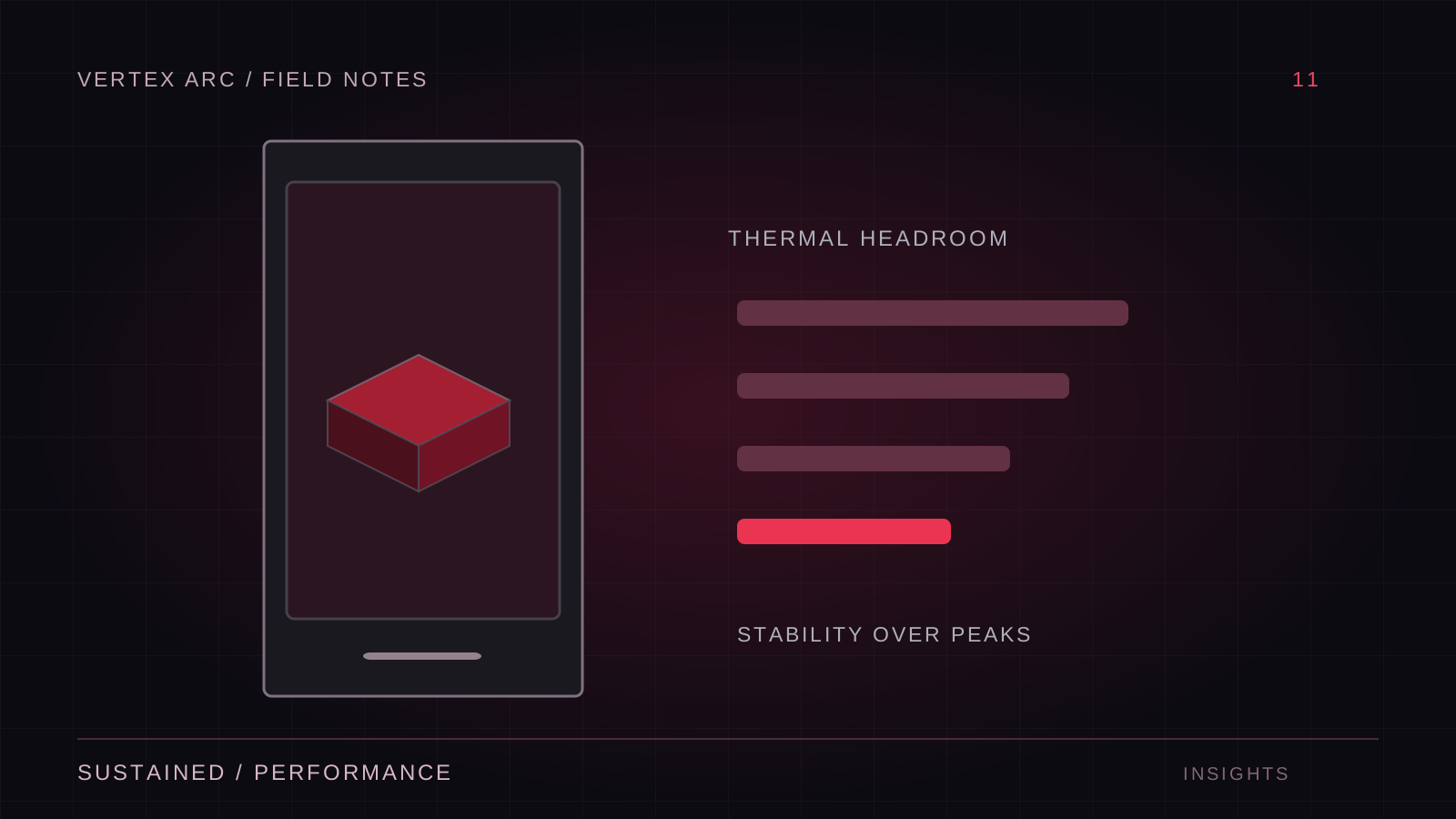
- Test sustained sessions on thermally constrained devices.
- Confirm the improvement on the minimum supported hardware.
- Watch for work moved from one frame into another expensive burst.
Turn budgets into production habits
Agree on practical budgets for representative scenes and assets. Budgets are coordination tools, not universal truths: a quiet room and a boss fight have different demands. Document how a budget was measured so contributors can reproduce the check. Review major content additions while there is still time to change them.
Keep a small set of performance scenarios for milestone builds. Include a busy encounter, a traversal route, a transition, and a longer session. This makes regressions visible before the final optimization phase, when changing assets and systems becomes more disruptive.
Optimize for the player experience
The useful result is stable, understandable play on the devices the project promises to support. A faster isolated function is only relevant if it improves that result or creates needed headroom. Measure carefully, choose targeted changes, and preserve the evidence. That discipline makes performance work easier to explain and much less dependent on guesswork.