Unreal Engine
Unity vs Unreal Engine: Choose for the Game You Need to Ship
Compare workflow, team experience, platform needs, and production risk before choosing an engine.
Choosing an engine is a production decision. The right choice helps a particular team build, test, and deliver a particular game. A cinematic demonstration or a familiar logo is not enough evidence. Start with your constraints, then compare the work each engine asks you to do over the whole project.
Unity and Unreal Engine can support a wide range of games, but their workflows are not interchangeable. Teams should compare a representative slice of their own project rather than repeat broad claims about which engine is “better.” Neither option removes the need for profiling, asset discipline, good architecture, or thoughtful design.
Write the constraints first
Describe your target devices, visual goals, team skills, release channels, and operational needs. A small touch-based puzzle game and a networked action game with large environments create very different demands. Include less glamorous requirements such as localization, build automation, accessibility, and tools for non-programmers. These are part of shipping, not optional cleanup.
Separate hard constraints from preferences. If the project must run in a browser, prove a supported deployment path before committing. If the team already has a dependable animation pipeline in one engine, record the cost of replacing it. A preference for a programming language matters, but a delivery requirement that cannot be met matters more.
Compare everyday authoring workflows
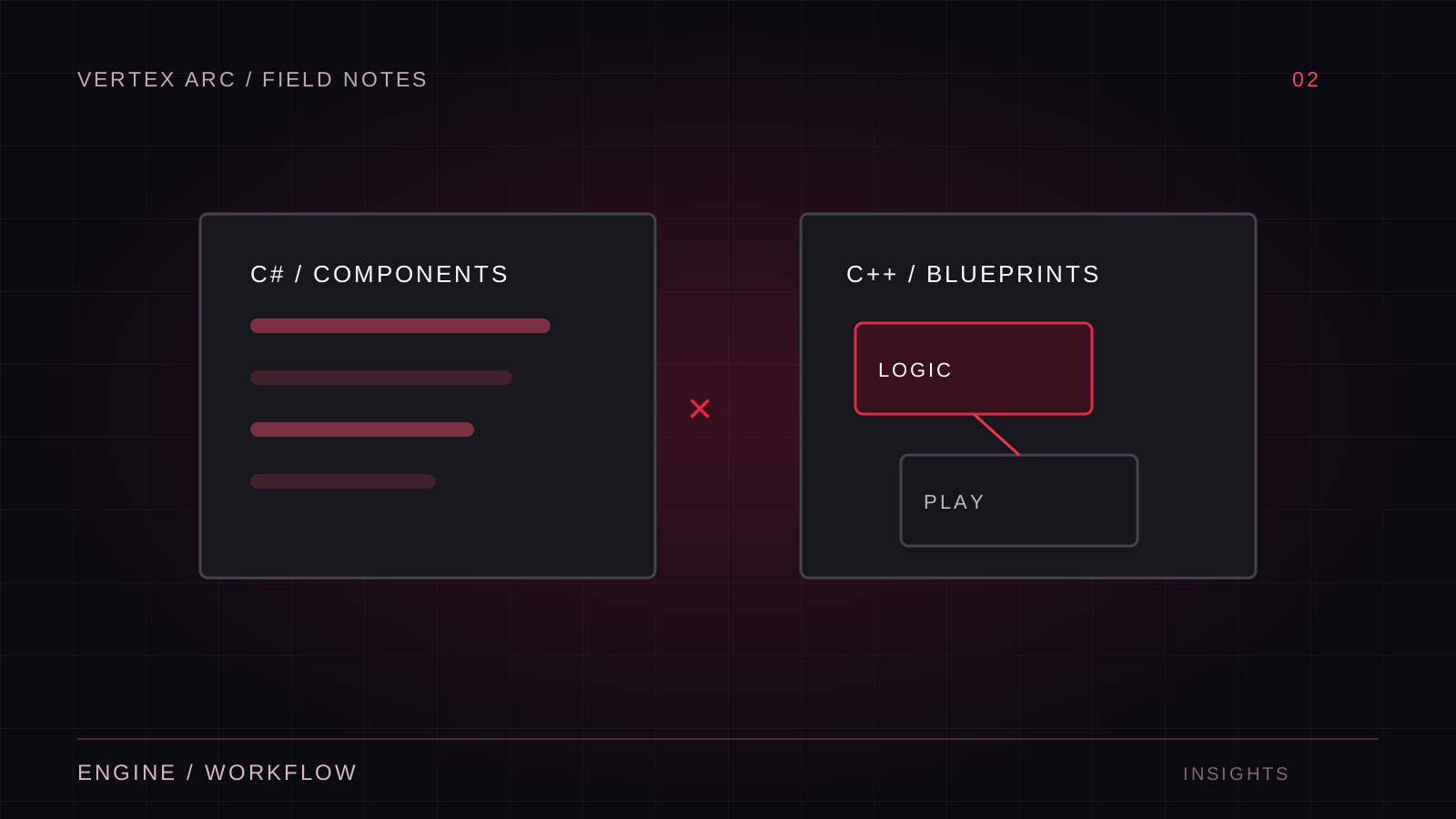
Unity commonly combines C# gameplay code with component-based scene authoring. Unreal commonly combines Blueprints and C++, alongside its gameplay framework and asset workflows. These are starting points rather than restrictions on what a team can build. Evaluate how designers expose parameters, how changes are reviewed, and how clearly ownership is divided between code and content.
Have the people who will maintain the game build the test. A workflow that is fast for a specialist may become a bottleneck when everyone else needs help. Ask an artist to import and revise an asset, a designer to change an encounter, and a programmer to diagnose a failure. Their experience is more useful than a feature checklist completed by one person.
Test iteration time, not just setup time
Measure the loop from changing something to playing it on the intended device. Include compilation, importing, packaging, installation, and loading. Repeat with a realistic asset size. A nearly empty sample project can hide the delays that dominate daily development once a project has grown.
Use a representative technical slice
Build the same modest scene in each serious candidate: a player controller, a typical environment, a representative animated character, and one expensive effect. Test the target hardware rather than assuming the editor reflects a shipped build. Avoid comparing an optimized scene in one engine with an untouched starter template in the other.
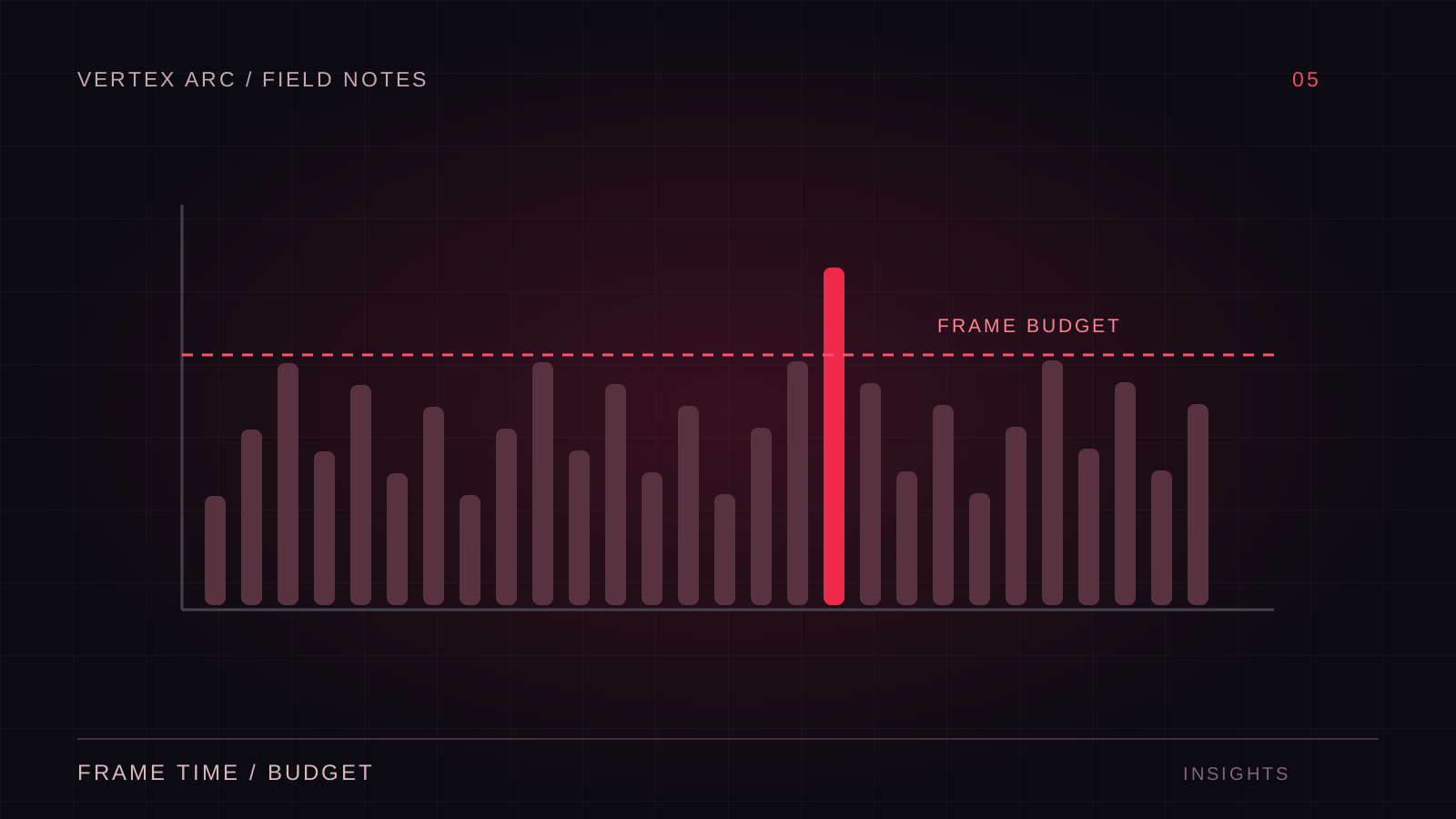
The purpose is to expose risks, not to produce a universal benchmark. Record frame-time behavior, memory use, build size, and the effort required to diagnose problems. If multiplayer matters, include a remote session. If mobile matters, test a sustained session. If modding matters, investigate the actual content and distribution workflow.
Look at the surrounding production system
An engine does not exist in isolation. Source control, asset locking, automated builds, error reporting, and third-party integrations all shape the team's work. Check whether essential plugins support the specific engine version and platforms you intend to use. A marketplace listing alone is not proof that a dependency will survive the full production timeline.
- Can a new contributor build the project from documented instructions?
- Can the team review changes to scenes and gameplay data?
- Can a release be reproduced from a tagged commit?
- Is there a fallback if a critical plugin stops being maintained?
- Who can diagnose platform-specific build failures?
Treat commercial terms as a separate evaluation item. Licensing and service pricing can change, and eligibility can depend on the project and organization. Read the current official terms during planning and again before release. Do not base a long production commitment on a remembered threshold or an old comparison article.
Make the decision visible
Create a simple decision record with each requirement, the evidence gathered, the remaining uncertainty, and the owner of that risk. Prefer a short explanation that the team can revisit over a weighted score that hides assumptions behind a precise number. Some criteria are gates: a failed deployment requirement cannot be averaged away by a pleasant editor experience.
Also record why the other engine was rejected. This helps prevent repeated debates driven by a new demo or announcement. Reopen the choice only when the project's constraints change enough to justify the migration cost. Switching engines late means rebuilding pipelines and validating behavior, not merely translating scripts.
Choose a sustainable workflow
The best engine is the one that supports the game's requirements and the team's ability to deliver them. Familiarity can be a real advantage; so can adopting a tool that solves a central problem more naturally. Make either choice on evidence. A small, honest production experiment will tell you more than a long argument about which engine wins in general.