Unity
Unity WebGL: Design for the Journey from Link to Play
Reduce download friction, plan browser constraints, and test the complete web delivery path.
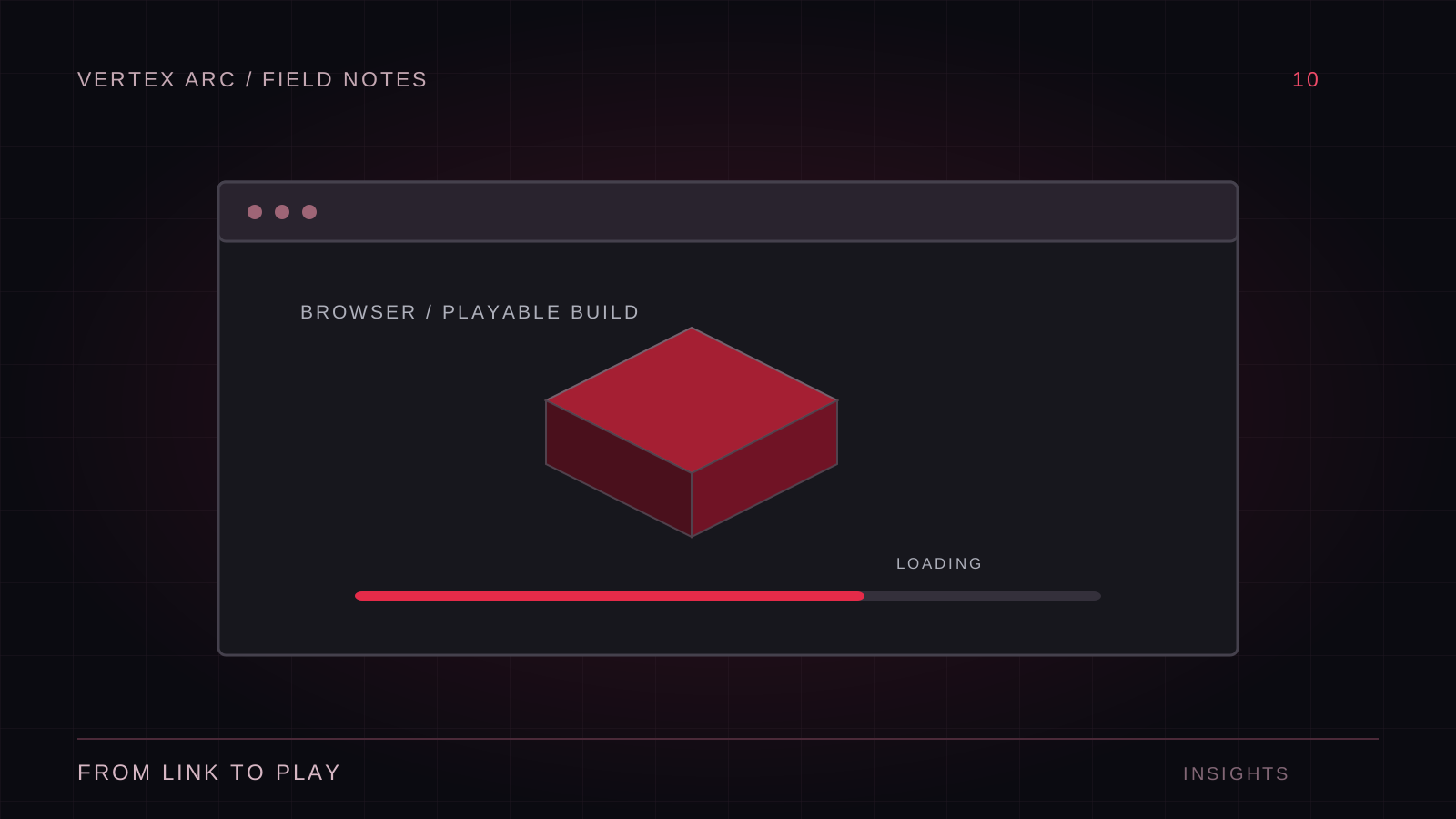
A browser game starts before the first frame of gameplay. The player opens a link, waits for code and assets, grants attention to a loading screen, and decides whether to stay. A polished game behind an oversized initial download can lose that opportunity. Treat delivery as part of the design from the first prototype.
Unity's web platform has capabilities and constraints that depend on the engine version, browser, and hosting setup. Check the documentation for the version you actually ship. A feature that works in a desktop player or the editor should not be assumed to work identically in a browser build.
Prove the smallest deployed build
Create a minimal web build and host it on the intended infrastructure early. Verify startup, input, audio activation, and any required network connection. This test is more useful than discovering a hosting or API restriction after the game is content-complete.
Check browser console and network errors as part of the routine. Incorrect compression headers, missing files, or incompatible caching can prevent a valid build from starting. Test a clean browser session and a returning session after an update. The second case can reveal mixed-version assets hidden by a fresh cache.
Budget the first playable moment
Separate assets needed immediately from those required later. A title screen should not require every level, music track, and cosmetic variant to be available before the player can interact. Show honest progress where it can be measured, and avoid presenting a stalled animation as meaningful loading information.
Compress and size assets appropriately, then verify the actual transfer size through the browser. Download size, decompressed memory, and initialization time are different costs. Reducing one may not reduce the others. Use representative devices and network conditions when evaluating the result.
Adapt interaction to the browser
Keyboard focus, pointer capture, fullscreen transitions, and audio startup deserve explicit testing. A player may click outside the canvas, switch tabs, or use a browser shortcut. Decide how the game pauses or resumes and make recovery obvious. Do not trap the player without a clear way to leave an interaction mode.
Make saving resilient
Browser-local storage can be unavailable or cleared. Communicate what persistence the game actually provides, handle failures, and avoid treating local storage as an account system. If server persistence is required, design authentication, conflict handling, and retry behavior as separate features rather than assuming a save call always succeeds.
Watch memory over a session
Load and unload multiple scenes, restart the game, and repeat transitions. Peak memory can matter more than the steady-state scene. Avoid keeping duplicate asset sets alive unintentionally. Browser and device limits vary, so a build that works on a powerful development machine still needs testing on the intended audience's hardware.
- Verify the deployed build in each supported browser.
- Test audio after the first user interaction.
- Check resizing, orientation, and focus changes.
- Validate caching after publishing an update.
- Test failure messages with a blocked or interrupted request.
Ship the delivery experience
Browser distribution removes an installation step, but it does not remove platform engineering. Good web games respect the time between a link and a meaningful action, and handle interruptions without leaving players confused. Keep the first load focused, the hosting configuration verified, and the support matrix grounded in tests.